The model lives in code.
A site describes its content in cms.config.ts: collections, fields, blocks and languages. The site reads it with types, so a renamed field is a build error, not an empty page.
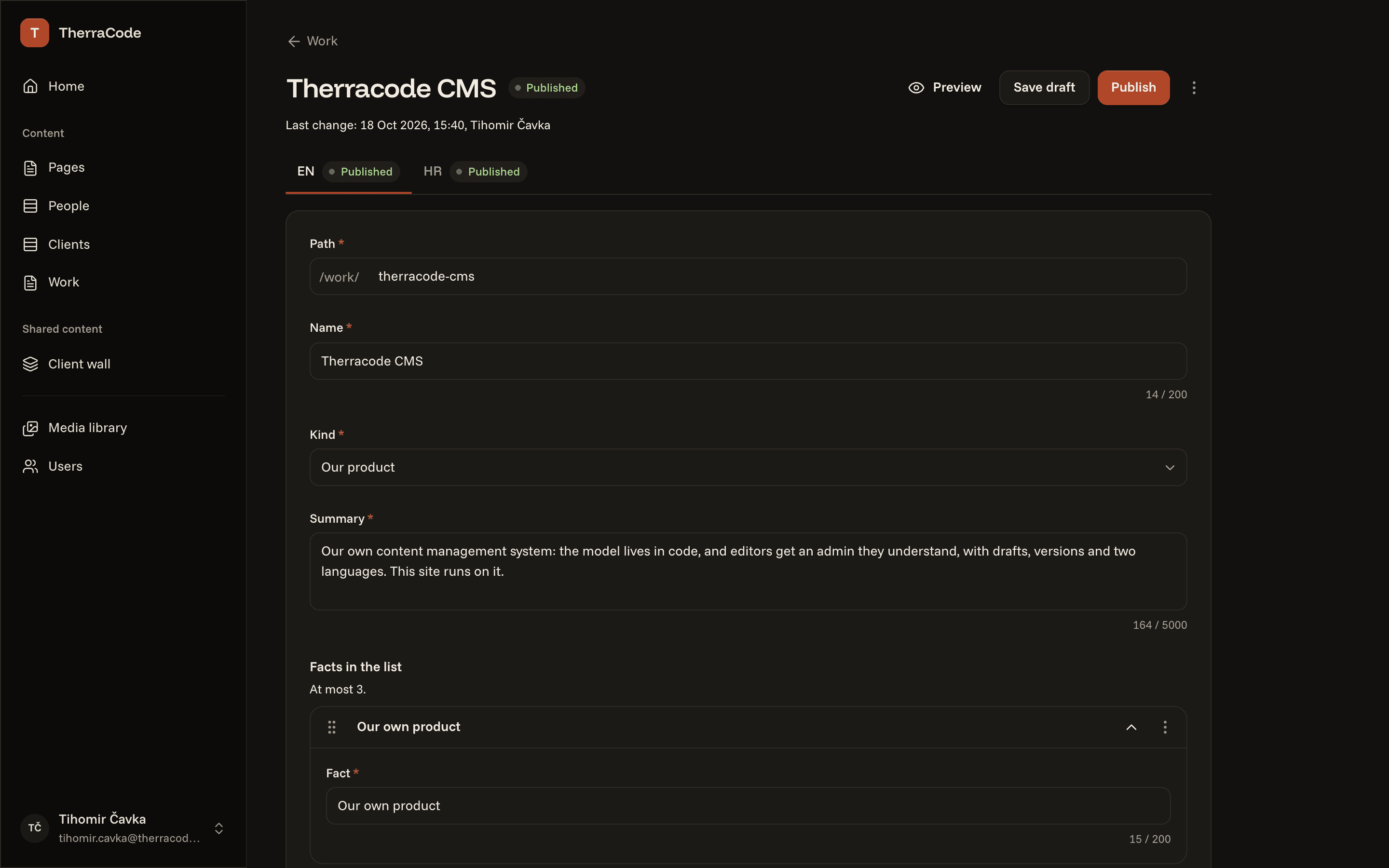
Each site describes its content in code, and its editors get an admin to match: drafts, versions, any number of languages, media and SEO, with no separate service to run.
A company site should not need a developer for every comma. Yet that is where most sites end up.
01Every change is an email to the developer.
02Small fixes wait in someone's notes.
03The CMS meant to fix that wants plugin updates every month.
04Or it bills per editor, every month.
05And the translations live in a spreadsheet next to it.
We wanted a CMS that comes with the site, speaks every language it needs and stays out of the way. So we built one.
We wanted a CMS that comes with the site, speaks every language it needs and stays out of the way. So we built one.
A site describes its content in cms.config.ts: collections, fields, blocks and languages. The site reads it with types, so a renamed field is a build error, not an empty page.
Each field is what the model says it is: text with a counter, a choice, an image with its alt text, rich text, blocks to add and reorder. Nothing to set up in a dashboard.
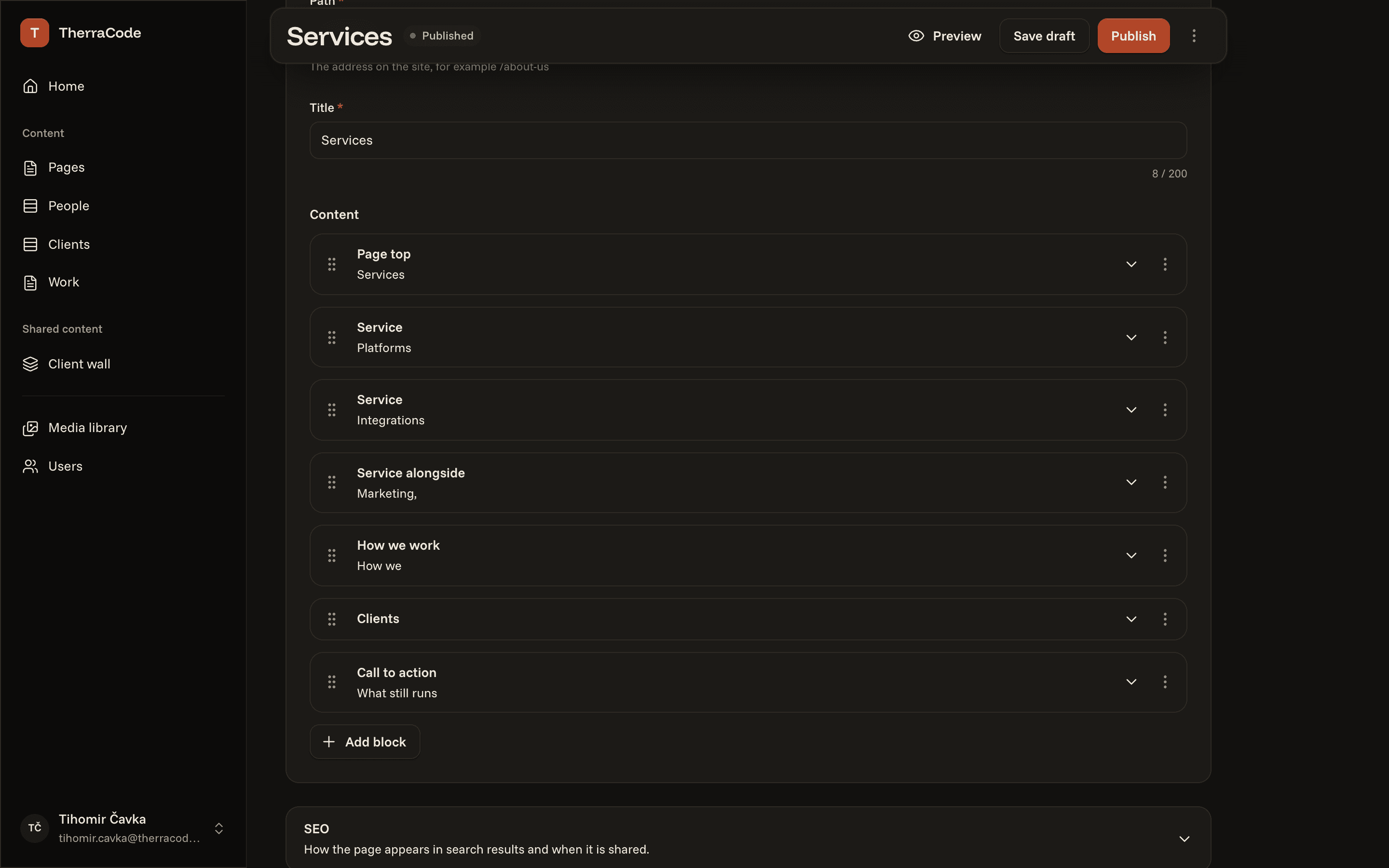
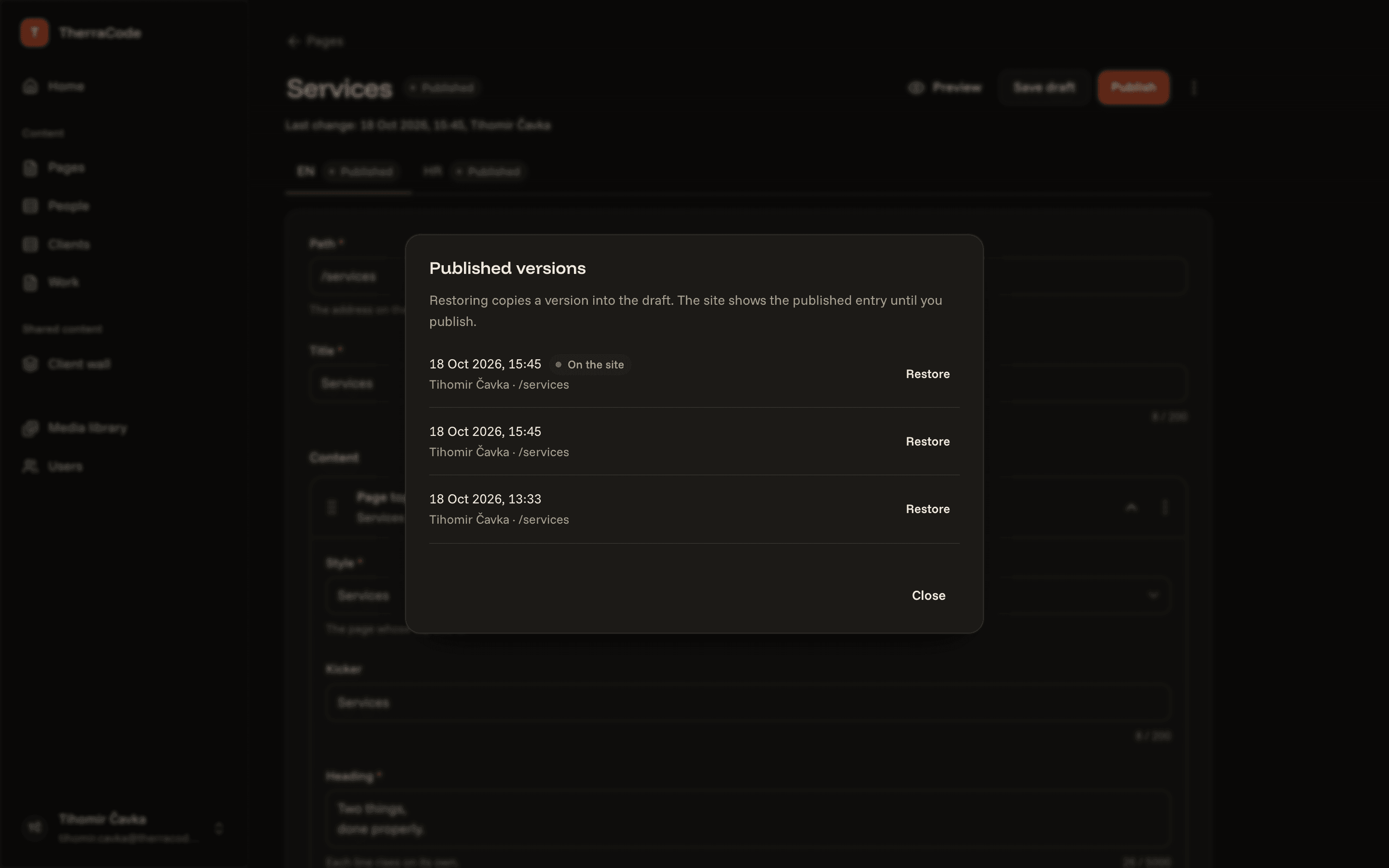
Every change starts as a draft. Publish takes it live on the next request, and every publish keeps a version that can come back.
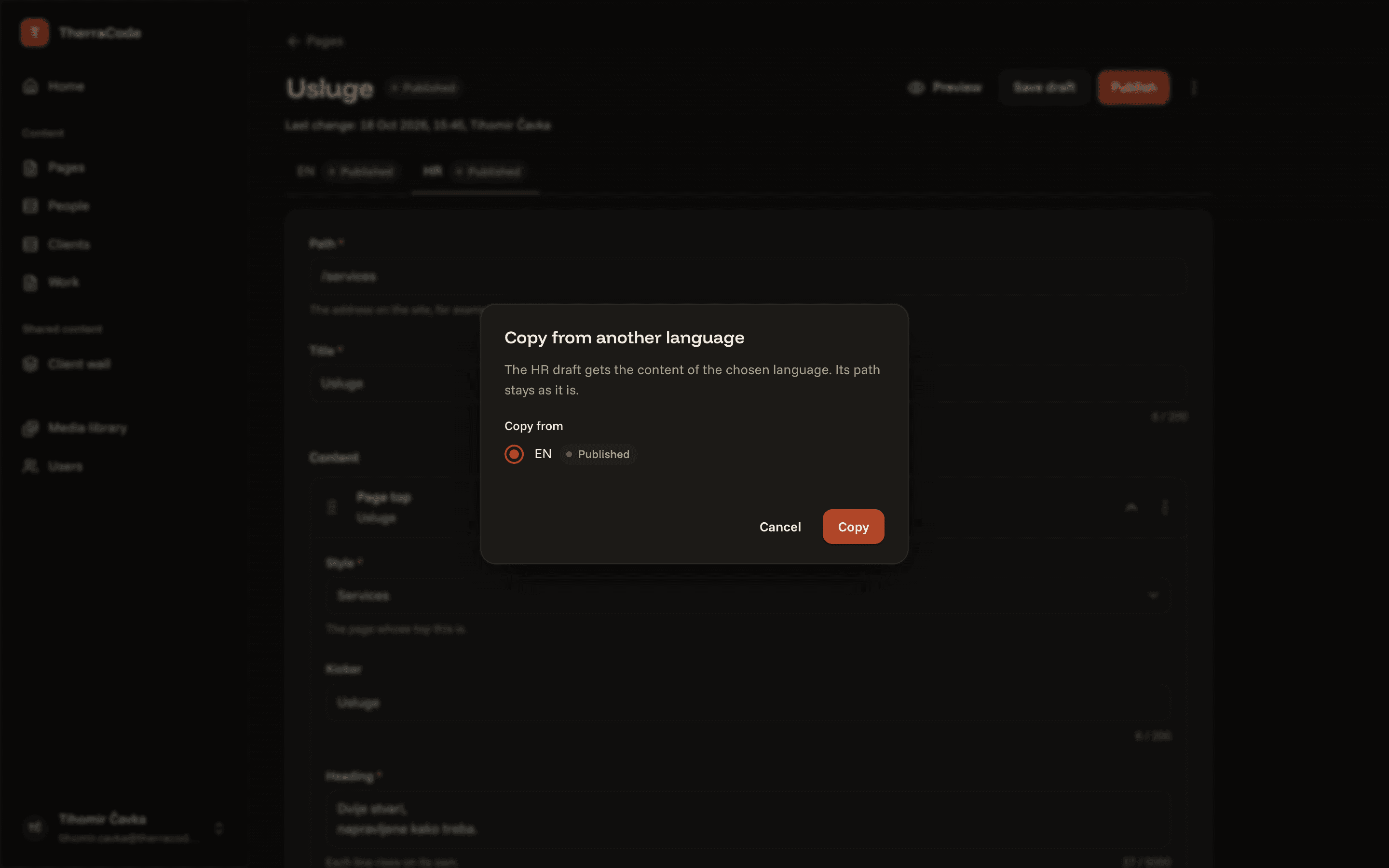
A site has as many languages as it needs, each with its own draft and its own publish. A page can be copied from another language and translated in place.
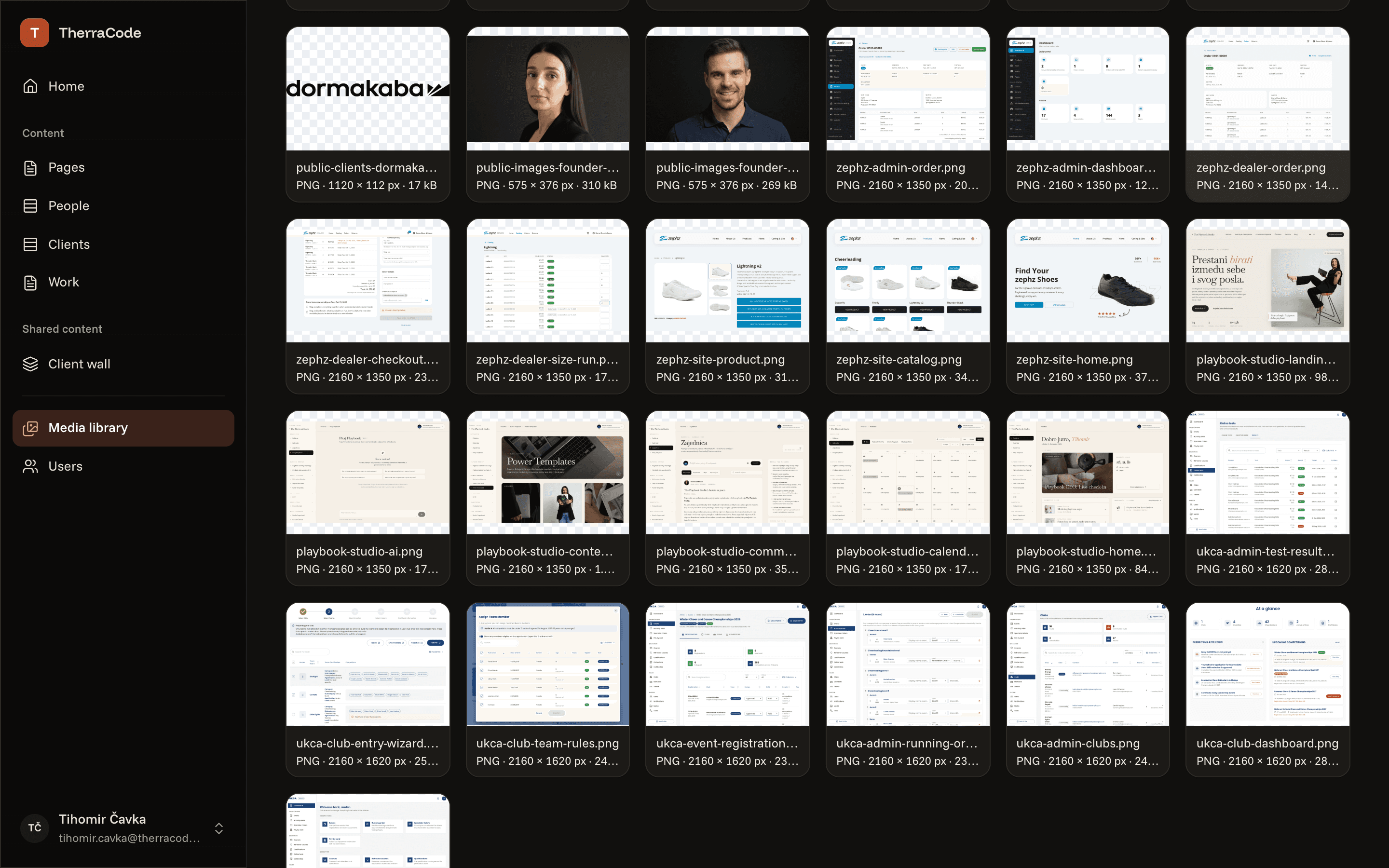
Uploads land in one library, with alt text, dimensions and the pages that use them. A file in use cannot be deleted by accident.
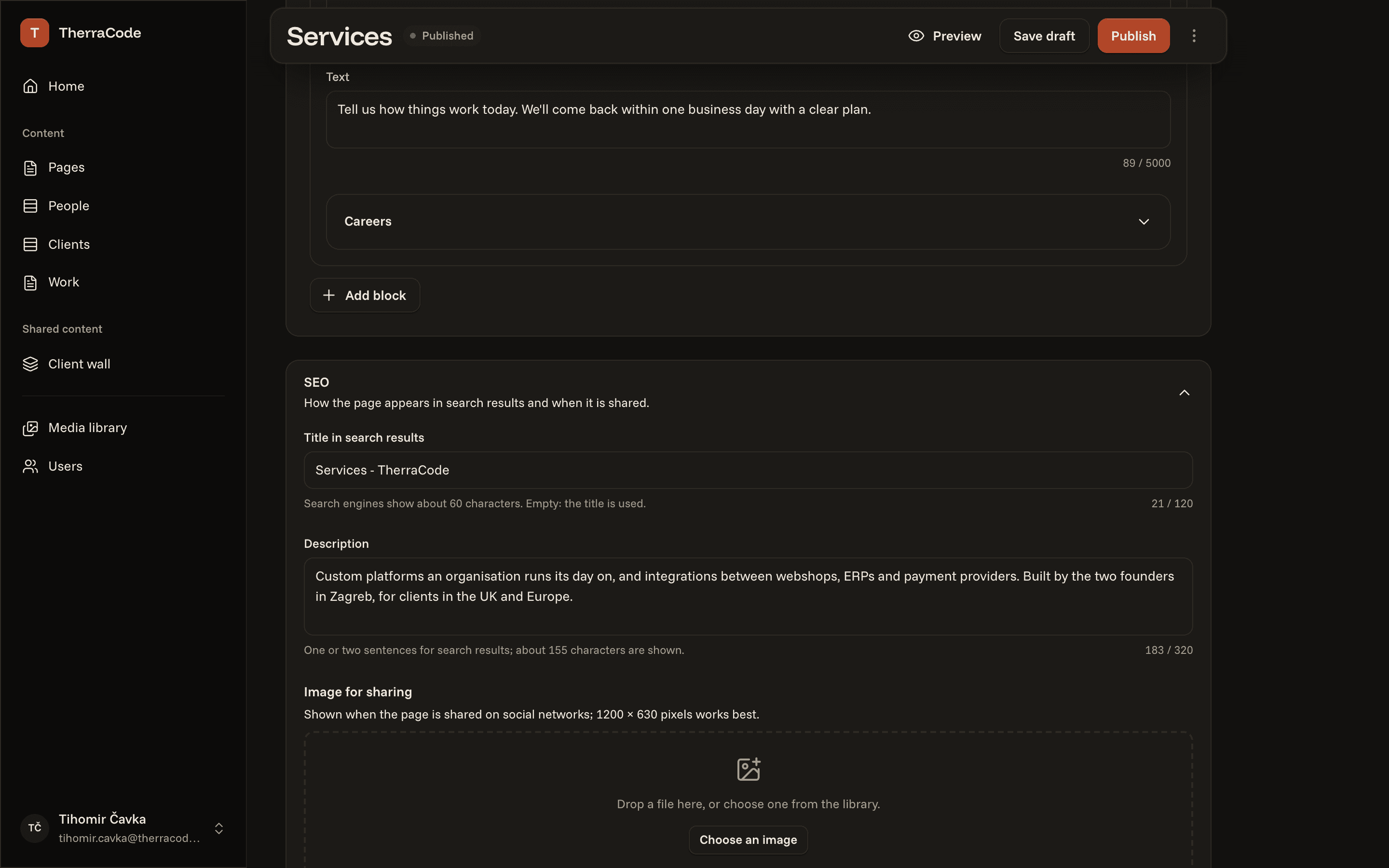
Every page has its title, description, share image and noindex in an SEO panel. The sitemap and the links between languages follow by themselves.
The CMS is a package that goes into the site, not a service next to it. One site, one database, nothing else to run.
It comes from our private registry and brings its admin, its API and its database migrations.
$ pnpm add @therracode-dev/cms
$ pnpm exec cms migrate
Collections, fields and blocks, in the code of the site. The admin and the types follow from this one file.
import { block, collection, defineConfig, f } from "@therracode-dev/cms";

const hero = block("hero", {
  label: "Hero",
  fields: {
    heading: f.text({ label: "Heading", required: true }),
    image: f.image({ label: "Image" }),
  },
});

export default defineConfig({
  locales: { default: "en", available: ["en", "hr"] },
  collections: {
    pages: collection({
      label: "Pages",
      routing: "path",
      fields: {
        title: f.text({ label: "Title", required: true }),
        body: f.blocks([hero], { label: "Content" }),
      },
    }),
  },
});
lib/cms.ts makes the CMS from the config. One route gives the site its admin at /admin, another the API behind it.
import { cms } from "@/lib/cms";

export default cms.AdminPage;
Pages read published content with types inferred from the model, cached until the next publish.
import { notFound } from "next/navigation";
import { cms } from "@/lib/cms";

type Props = PageProps<"/[locale]/[[...path]]">;

export default async function Page({ params }: Props) {
  const { locale, path = [] } = await params;
  const page = await cms.findByPath(`/${path.join("/")}`, { locale });
  if (!page) notFound();

  return <PageBlocks blocks={page.data.body} />;
}
cms.config.tsEvery page, case study, person and client logo on therracode.com comes from the CMS, edited in the admin you see above.
Tell us what is on it. We'll model the content, move it in and show your editors around.
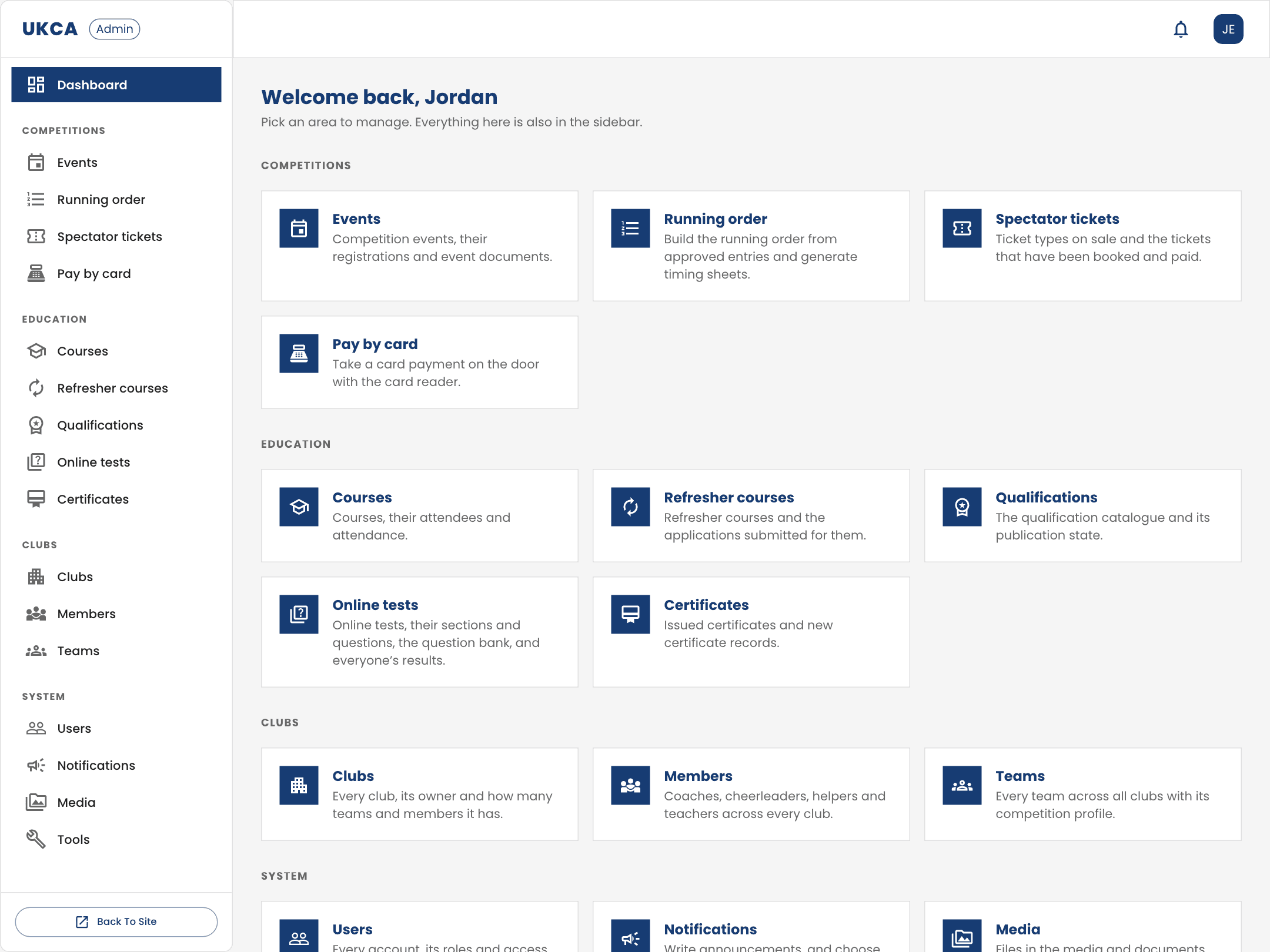
A full-stack platform that runs the whole sport: clubs, competitions, courses, certifications and payments in one place.